Create multiple patterns of text.(Google Bard)
Google Bard will create multiple patterns of text without you having to do anything in particular.
By choosing from multiple patterns, you can create better documents and articles.
Steps
Click on "View other drafts" in the upper left corner of the response.
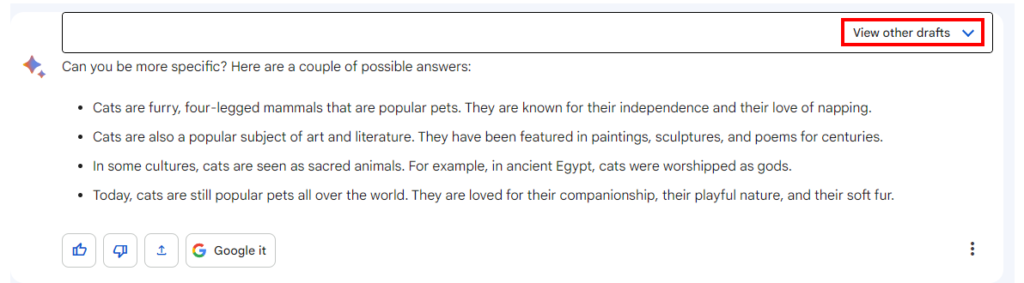
Another answer draft will be displayed, select it and confirm the content.

Click "Regenerate drafts" to update the content. The current content will be erased, so if you have a better one, save it and update it.

For those who want to learn Power Automate Desktop effectively
The information on this site is now available in an easy-to-read e-book format.
Or Kindle Unlimited (unlimited reading).

You willl discover how to about basic operations.
By the end of this book, you will be equipped with the knowledge you need to use Power Automate Desktop to streamline your workflow.